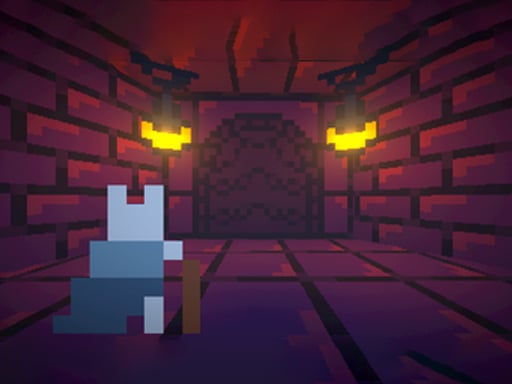


Bunny
Bunny lets you collect items using the spacebar. I found that arrow keys help navigate levels smoothly and quickly.
How To Play Bunny
Clicking Play Now starts the adventure, use arrow keys for movement and spacebar to collect items.
Controls and Features
The game uses arrow keys for navigation and spacebar to collect items and interact with characters. It features levels and your progress is saved automatically.
Tips
Explore every area for hidden items. Using the spacebar is better than just moving.
Bunny FAQs.
Q: What buttons do i press to move and collect items? A: Use arrow keys to move and spacebar to collect items.
Q: Is the game free to play on the site? A: Yes, it is completely free on CrazyGames.
Q: Can i play this on my phone? A: It is available on mobile browsers.
Q: Does the game save my progress automatically? A: Yes, your progress is saved automatically.
About this game
- Supported devices
- Desktop
- Genre
- Arcade Games
- Release date
- 26 September 2024
- Latest update
- 26 September 2024
- Rating
- No ratings yet


Stickman Warriors Superhero Fight

Obby Ride a Bike For Brainrots

Jelly Garden Game

Skygarden Siege

Tanks for the Nation

Zombie swarm

NEXRUN

K-Pop Hunters: Rumi Huntrix vs. Demons

Obby: +1 Speed Escape for Brainrots

Kick a Lucky Block: Tsunami Football

Be a Lucky Block: Boss Fight

Break a Lucky Blocks: Catch Brainrots