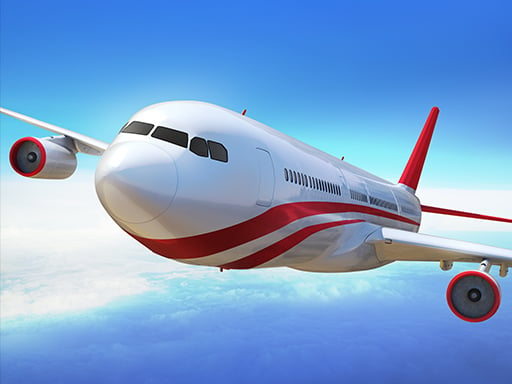

Boeing Flight Simulator 3D
Boeing Flight Simulator 3D focuses on realistic design and fluid gameplay. I use arrow keys for steering and the mouse for acceleration during takeoffs and landings.
How To Play Boeing Flight Simulator 3D
Clicking to start, use arrow keys for navigation and mouse for acceleration.
Controls and Features
Arrow keys control steering and the mouse controls acceleration. The gameplay focuses on takeoffs and landings with a realistic design.
Tips
Practice takeoffs to improve skills. Use arrow keys to steer and the mouse for acceleration to manage smooth landings.
Boeing Flight Simulator 3D FAQs.
Q: What are the controls? A: Arrow keys for steering and mouse for acceleration.
Q: What is the objective? A: Focus on takeoffs and landings.
Q: What is the main mechanic? A: Realistic design and fluid gameplay.
About this game
- Supported devices
- Desktop
- Genre
- Racing Games
- Release date
- 25 October 2024
- Latest update
- 25 October 2024
- Rating
- No ratings yet
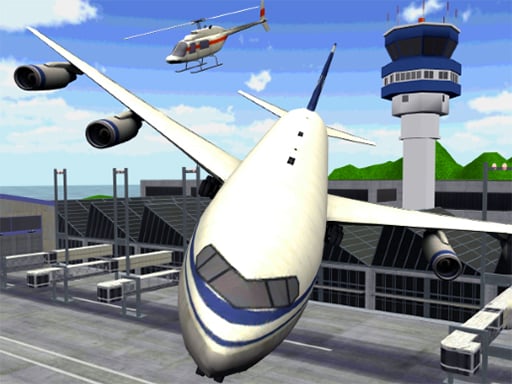
Airplane Parking Mania 3D
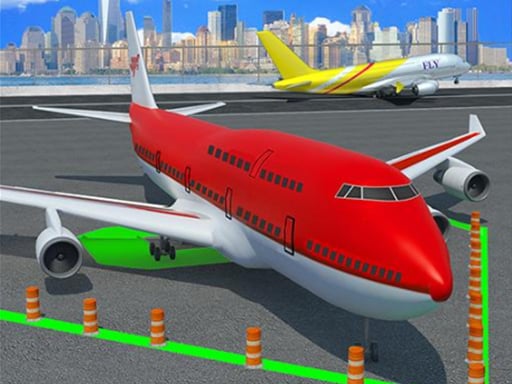
Airplane Parking Mania
Flying Wings Hover Craft

Ultimate Flying Car 2

US Super Jet Boat Captain Simulator 3D
Madness Driver Vertigo City

3D bus simulator 2021
City of Vice Driving
Grand City Driving 2
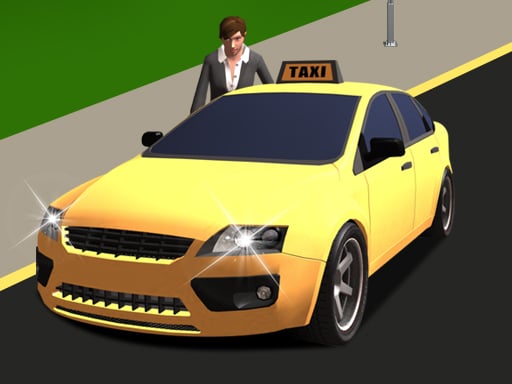
Taxi Driver Simulator

Police Car Simulator Game
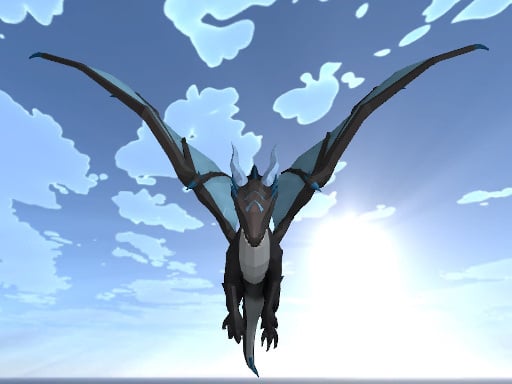
Dragon Simulator
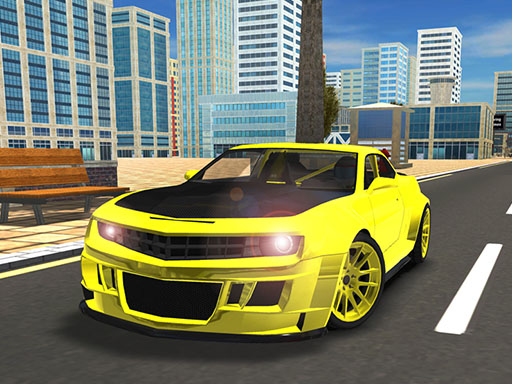
City Car Driving 3d
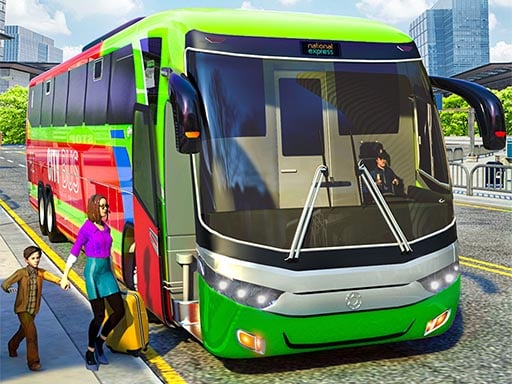
Coach Bus Simulator
Heavy Crane Simulator
Ferrari Track Driving
Bus Driving Simulator: Bus 3D

Off The Road - OTR Open World Driving
Grand City Driving
Crazy White Prado Driving
Car Simulator Veneno
Super Drive
Offroad Mania
Miami Super Drive