image bg Festival Vibes Makeup
image Festival Vibes Makeup
Festival Vibes Makeup
Play Now
Game loading..
25
image bg Festival Vibes Makeup

Festival Vibes Makeup

Festival Vibes Makeup

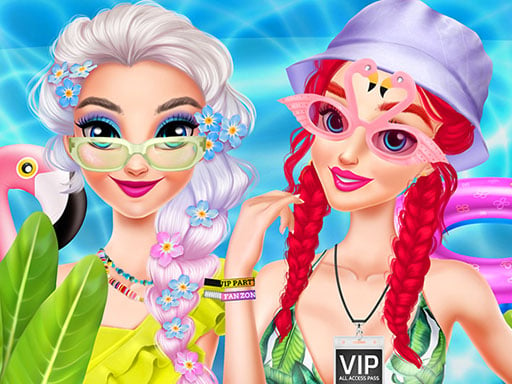
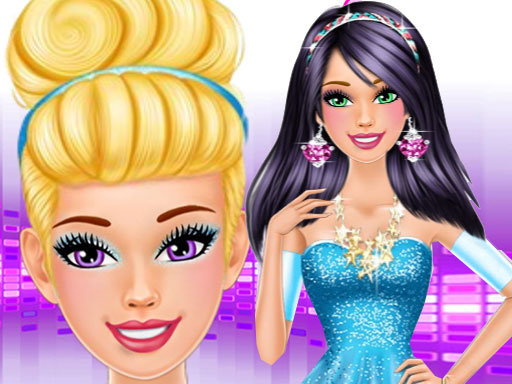
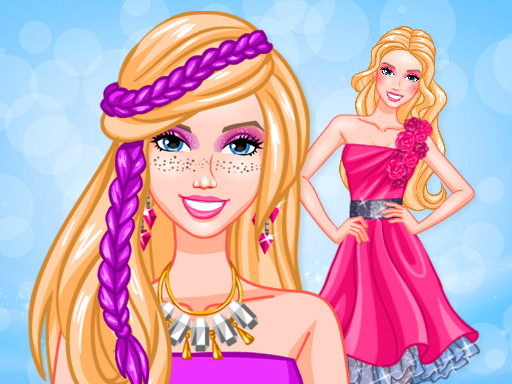
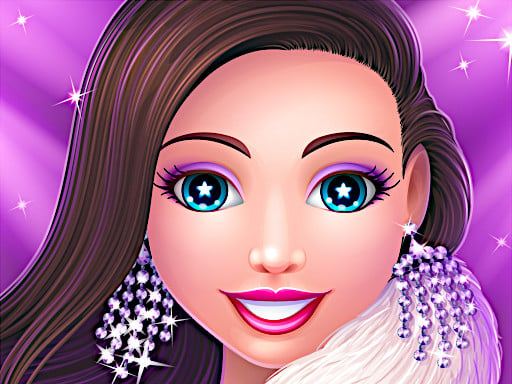
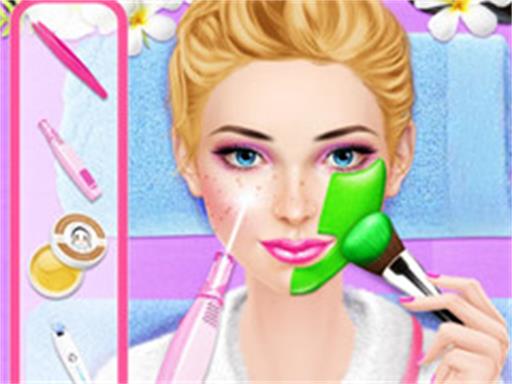
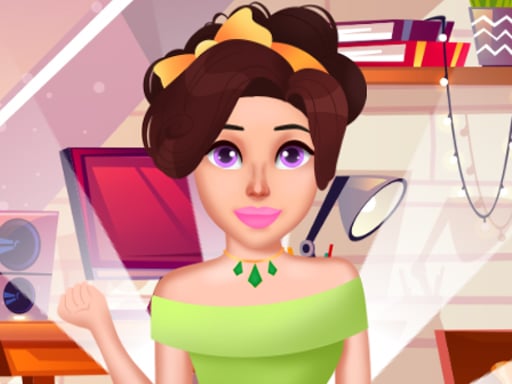
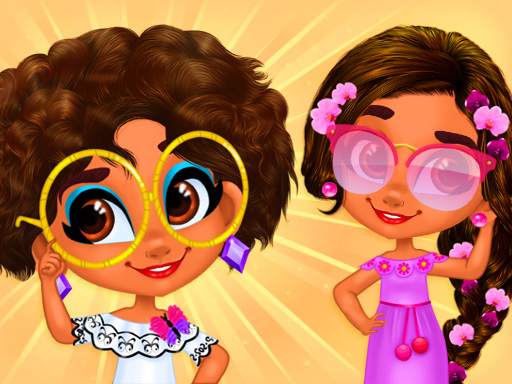
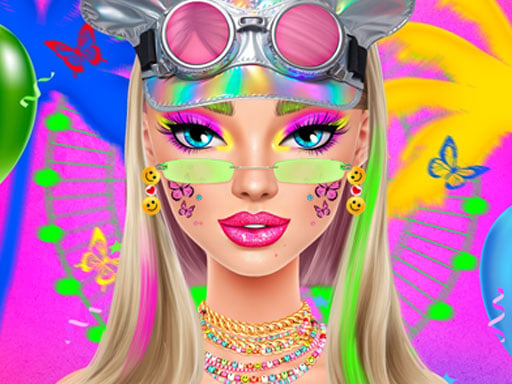
Step into Festival Vibes Makeup, a bright fashion-sim where Ellie experiments with bold cosmetics and shimmering festival-ready looks. Create expressive color stories that blend neon energy with boho-chic flair and edgy trends.

🗂 Game Overview — Festival Vibes Makeup

Festival Vibes Makeup is a fashion-focused makeup simulation that invites creativity and expression. Players guide Ellie through playful challenges, unlocking palettes, textures, and looks inspired by summer festivals, neon lights, and carefree fashion.

🎯 Objectives & Flow

  • Design festival-appropriate looks by layering eyeshadows, lip colors, and glitter to match each challenge, then fine-tune balance with blush and contour for cohesion.
  • Progress through unlockable palettes and new outfits by completing levels, earning stylish ratings, and occasionally unlocking collaborating patterns that reinforce your chosen theme.
  • Runs end when you finish all challenges or choose to stop; your score influences unlocks, social sharing opportunities, and the chance to revisit favorites on follow-up sessions.

⚙️ Features at a Glance

  • Vibrant cosmetics lineup: eyeshadows, lipsticks, glitters, blushes, and textures that shine under festival lights and adapt to both day and night moods.
  • Intuitive drag-and-drop interface to mix shades and apply finishes with a single confident gesture, enabling quick iteration during busy festival nights.
  • Festival-inspired challenges with unlockable styles and customizable patterns that reward experimentation and help you develop a signature look.
  • Social sharing and collections to show off your looks and earn bragging rights among friends, followers, and festival communities.
  • Performance and accessibility: works on modern desktop and mobile browsers with responsive controls, smooth transitions, and fast load times.

🧩 Tactics & Common Pitfalls

  • Start with a balanced base before adding bold accents to keep looks cohesive, then push contrast in key areas to emphasize eyes or lips.
  • Layer colors gradually to avoid muddy blends and over-glittering, testing combinations under various lighting to ensure versatility.
  • Save favorite combinations to quickly recreate signature festival styles across sessions, then remix them for evolving events and challenges.
  • Use high-contrast colors for neon accents to pop against neutral tones, especially when moving from sunlit to club-lit stages.
  • Common mistake: Overloading with too many patterns or textures, which can overwhelm Ellie’s silhouette and distract from the overall aesthetic.

🖥️ Controls & Devices

  • Desktop: click to choose tools, drag elements onto Ellie’s face, and drop colors precisely where you want them, refining edges with small nudges.
  • Mobile and tablet: tap to select tools, drag to apply makeup, and pinch to zoom for fine control, with responsive gestures for quick edits.
  • Browser compatibility: reliable on modern Chrome, Firefox, Safari, and Edge; progress is stored locally in your browser, so you can resume later.

🔗 Related — Arrow Shoots

If you like this festival vibe, Arrow Shoots at Arrow Shoots offers a complementary challenge with sharper timing and quick restarts, pairing nicely with Festival Vibes Makeup's fast-paced, colorful style.

Play Festival Vibes Makeup