




















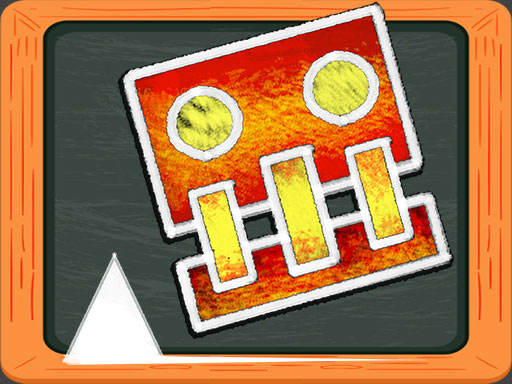

Geometry Dash Blackboard
Geometry Dash Blackboard guides a Square character to an exit gate while avoiding obstacles and blocks. i must use precise timing to navigate safely.
How To Play Geometry Dash Blackboard
Use the arrow keys to jump and duck, and guide your Square to the exit.
Controls and Features
Controls are arrow keys, up to jump and down to duck. No extra buttons or toggles are stated.
Tips
Practice precise timing for jumps to avoid blocks. Adjust speed to navigate obstacles smoothly.
Geometry Dash Blackboard FAQs.
Q: What controls are used? A: Arrow keys, up to jump and down to duck.
Q: What is the objective? A: Guide the Square character to the exit gate safely.
Q: What is the main mechanic? A: Navigating obstacles with precise timing.
About this game
- Supported devices
- Desktop
- Genre
- Shooting Games
- Release date
- 25 October 2024
- Latest update
- 25 October 2024
- Rating
- No ratings yet
Dont Fall io

A Day With Masha And The Bear
Crazy Nut
Caveman Board Puzzles

Get Ready With Zoe

Asian Girl Dress Up

BTS Winks Coloring Book
Robot Car Emergency Rescue 3

Mr Bouncemasters 2
Boxes Funny

Naruto Jump Force
ABC Jump
Ben 10 Puzzle Challenge
Super Monsters Christmas Jigsaw

BTS Rabbit Coloring Book
Winter Dash

Christmas Gift Castle Defense
Ben 10 Memory Challenge
Pokey Ball Jumper

Fairytale Princess
Frogie Cross The Road
Goku Dress Up

Color Parrot

Toon Halloween Jigsaw


