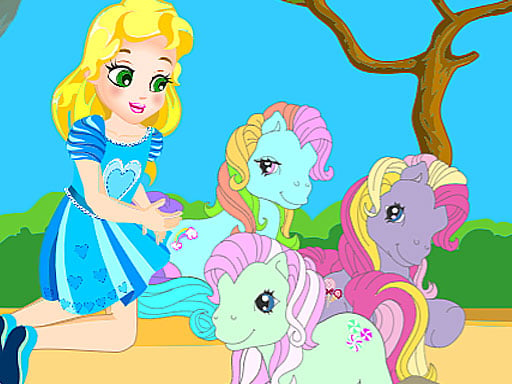

My Pony Scene
My Pony Scene lets you rearrange ponies and landscape items. The core mechanic is a drag and drop interface to place them.
How To Play My Pony Scene
Start dragging ponies to place them, and rearrange grass hedges and carrots using the drag and drop interface.
Controls and Features
No extra buttons or toggles are stated.
About this My Pony Scene
Click to select ponies and drag them onto the stage to customize the scene, and rearrange landscape items.
Tips
Use the drag and drop feature multiple times. Rearrange grass hedges and carrots to find a better layout.
My Pony Scene FAQs.
Q: What are the controls? A: Drag and drop ponies and items.
Q: What is the objective? A: Rearrange ponies and landscape items in the scene.
Q: What is the main mechanic? A: A drag and drop interface.
About this game
- Supported devices
- Desktop
- Genre
- Puzzle Games
- Release date
- 26 September 2024
- Latest update
- 26 September 2024
- Rating
- No ratings yet

Strawberry Shortcake and Pony
My Cute Pony
Coloring Book for My Little Pony

Kuromi Maker
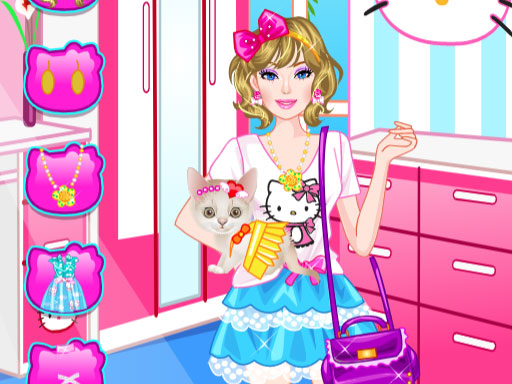
Barbie With Kitty

My Little Pony Equestria Girls dress up
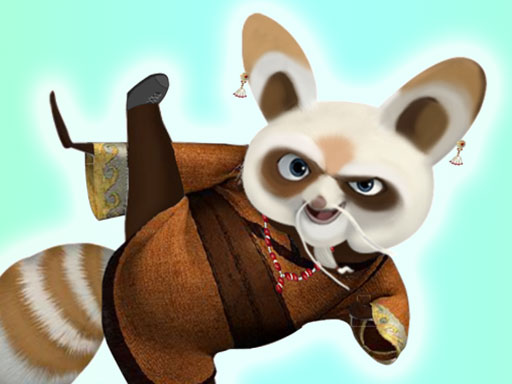
Kungfu Panda Shifu

My Cute Dog Daisy
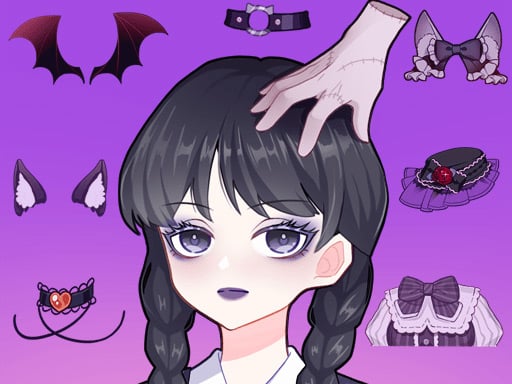
Anime Avatar Creator
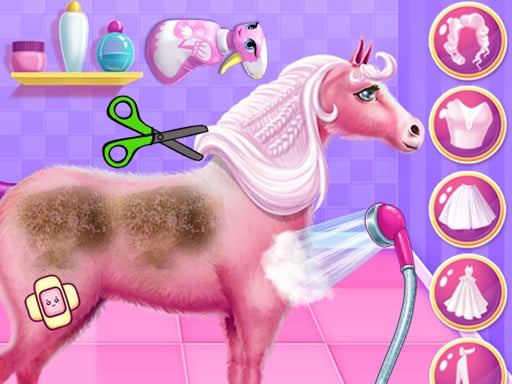
Princess Horse Caring

Cat Princess Dress up
Pregnant Pony Check Up

Baby Panda Kindergarten
Baby Taylor Horse Riding

Baby Panda Food Party
Suika Animals

Horse Rider Girl

Baby Panda Chinese Holidays
Monkey Boots Dress Up

Kitty Bedtime Activities

Rainbow Princess Pony Makeup 2

pet pony salon

Pretty Avatar Maker
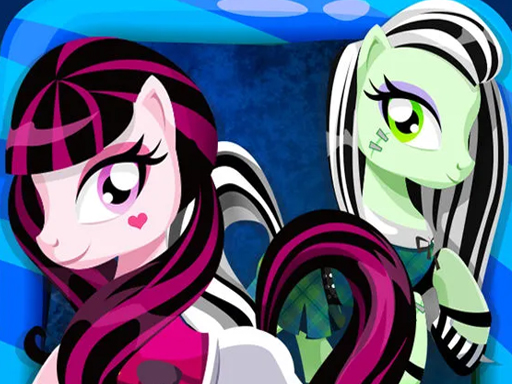
My Monster High Pony Girls