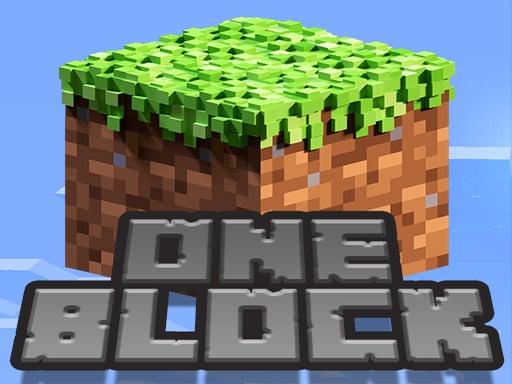

ONE BLOCK for Minecraft
In ONE BLOCK for Minecraft gravity makes blocks fall while i dodge hazards and collect diamonds to score points.
How To Play ONE BLOCK for Minecraft
Use arrow keys or on-screen controls to jump, avoid falling blocks and collect diamonds.
Controls and Features
Controls are arrow keys or on-screen buttons, and the game focuses on scoring with no extra toggles stated.
Tips
Practice timing your jumps to stay safe and aim for a high score. Keep a steady pace as blocks fall faster.
ONE BLOCK for Minecraft FAQs.
Q: What controls are used? A: Arrow keys or on-screen controls are used.
Q: What is the objective? A: Avoid falling blocks and collect diamonds to score.
Q: Are there any stated features? A: No extra buttons or toggles are stated.
Q: What is the main mechanic? A: Jumping on falling blocks to dodge them.
About this game
- Supported devices
- Desktop
- Genre
- Sports Games
- Release date
- 25 October 2024
- Latest update
- 25 October 2024
- Rating
- No ratings yet
Green Mover
Lobster Jump Adventure
Blocky Tetriz
Minecraft Puzzle
Shoe Maker Trendy Fashion
Line Barriers
Christmas Block Collapse
1010 Fruits Farming
Adventure Hero 2
1010 Christmas
Tennis Championship
Draw Missing Part Puzzle
Rabid Rabbit
ParkourCraft
Flow Free: Warps
Perfect Turn
Knight Vs Ork
Ronaldo Soccer Challenge
Gravity Ball Challenge
Candy Smash Deluxe
Brick Block
Vikings vs Skeletons
1010 Halloween

Squid Game Craft Maps for Minecraft PE - MCPE