
Frisbee 3D
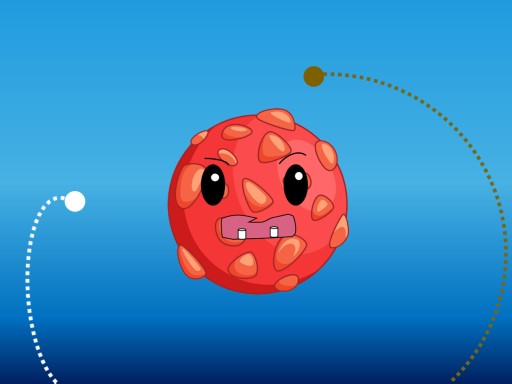
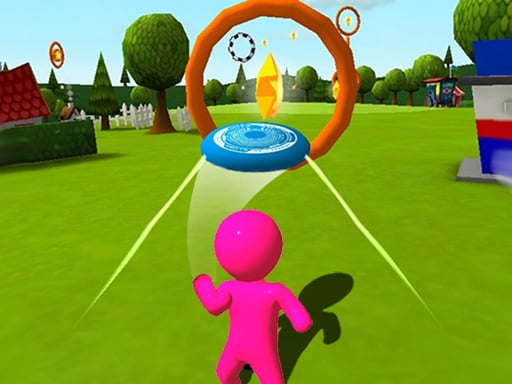
Frisbee 3D challenges you to navigate a disc through obstacles with precise timing. i find the fast-paced launches and flicking controls keep you engaged as you try to keep the flight path steady.
How To Play Frisbee 3D
Use gentle swipes for precise adjustments, avoid overpowered shots which overshoot rings, and practice your timing.
Controls and Features
Controls work seamlessly on touch, mouse, or keyboard. The game has obstacles that pop up rapidly on screen.
Tips
Focus on minimal gestures to keep your throws consistent. Study obstacle patterns and use trial and error to improve your hit responses.
Frisbee 3D FAQs.
Q: What controls are used? A: The game supports touch, mouse, and keyboard.
Q: What is the objective? A: Navigate a disc through obstacles without messing up the flight path.
Q: Are there any stated features? A: Obstacles pop up rapidly on screen.
Q: What is the main mechanic? A: Precise timing of disc launches.
About this game
- Supported devices
- Desktop
- Genre
- Sports Games
- Release date
- 24 September 2024
- Latest update
- 24 September 2024
- Rating
- No ratings yet