




















Geometry Vibes 3D
Geometry Vibes 3D brings the original game into a vibrant, dynamic 3D world with fully reimagined levels. The main mechanic is rhythm-based reflex gameplay, and i keep tapping to stay on beat.
How To Play Geometry Vibes 3D
Click or tap to play, using Player 1 W, Left Mouse Click, or Spacebar, and Up Arrow Key for Player 2 in 2 Player Mode.
Controls and Features
Player 1 controls are W, Left Mouse Click, or Spacebar. Player 2 uses the Up Arrow Key in 2 Player Mode, and mobile devices support tap controls anywhere on the screen.
Tips
Use the same control you picked at the start and stick with it. On mobile, tap anywhere on the screen to jump and keep your rhythm steady.
Geometry Vibes 3D FAQs.
Q: What controls does this game use? A: Player 1 uses W, Left Mouse Click, or Spacebar; Player 2 uses Up Arrow Key.
Q: Does it have 2 Player Mode? A: Yes, 2 Player Mode is stated.
Q: What is the main mechanic? A: Rhythm-based reflex gameplay.
About this game
- Supported devices
- Desktop
- Genre
- Arcade Games
- Release date
- 02 October 2026
- Latest update
- 02 October 2026
- Rating
- No ratings yet
4 Games For 2 Players
Snowcraft 2 Player
Blockminer Run Two Player
Cat Chef vs Fruits - 2 Player

Helicopter Battle Steve 2 Player
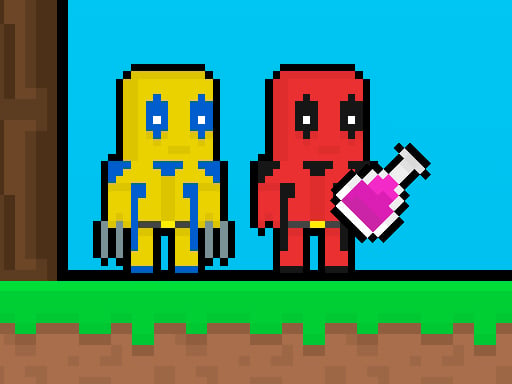
Redpool Skyblock 2 Player
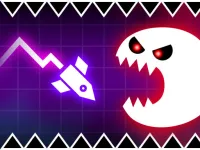
Geometry Vibes Monster

Noob vs Pro But Floor is Lava Minecraft

Flipxy, the bat

2 Player BlockMiner Escape
angry baldi s basics cartoon
Angry Bird Speed 2.0 Run
RedPool Legend 2 Player
Uno 2022

Brainrot Tung Sahur Battle
Glowit - Two Players
Racing car games
Alex and Steve Miner Two Player
Geometry Neon Dash Subzero
Silly Team 2 Player
NoobLox vs Garten 2 Player

Hungry Fish Saga
2 Player Red Blue Pirates
PixelCraft Animal School


