




















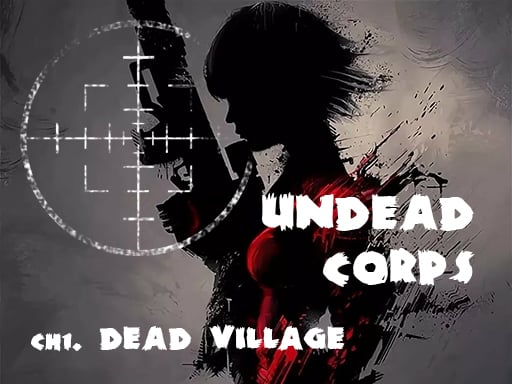

Undead Corps - Dead Village
Undead Corps - Dead Village requires mastering quick reflexes and tactical decisions. i discovered that combining arrow keys and spacebar is key for navigation and interaction.
How To Play Undead Corps - Dead Village
Visit a website to start playing, use arrow keys or WASD to navigate, and press spacebar or mouse to interact.
Controls and Features
Players must use arrow keys or WASD for movement and the spacebar or mouse to interact. The game features automatic saves at key points and challenging difficulty settings.
Tips
Quick reflexes are needed to handle combat. Using the arrow keys to dodge and the spacebar to interact is better than attacking blindly.
Undead Corps - Dead Village FAQs.
Q: What controls are used? A: Arrow keys or WASD for movement, spacebar or mouse to interact.
Q: What is the objective? A: Confront the Lord of Undead.
Q: Are there difficulty settings? A: Yes, you can choose challenging settings.
Q: What is the main mechanic? A: Using weapons and magical spells to fight enemies.
About this game
- Supported devices
- Desktop
- Genre
- Shooting Games
- Release date
- 25 October 2024
- Latest update
- 25 October 2024
- Rating
- No ratings yet
Biozombie of Evil
Silent Asylum

Grand Zombie Swarm 2
Super Sergeant Zombies
Call of Ops 3 Zombies
Zombie Vacation
Counter Craft 3 Zombies
Zombie Strike 2
Counter Craft 2 Zombies

Super Zombie Shooter
Wild West Zombie Clash
Brutal Zombies
Zombie Defence Team
Killed and Eaten
Killed and Eaten 2
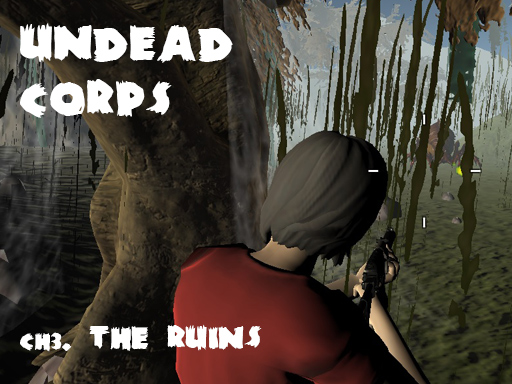
Undead Corps - CH3. The Ruins
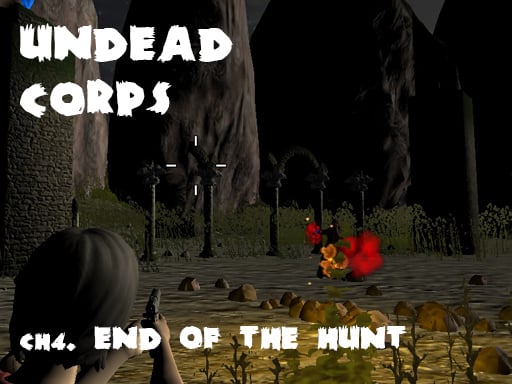
Undead Corps - CH4. End of the Hunt
Special Strike Zombies
Grand Zombie Swarm
Pixel Zombie Survival
Zombie Vacation 2
Angry Zombie 2023

Super Zombie Shooter 2
DEAD WARFARE Zombie Shooting Gun Games


