




















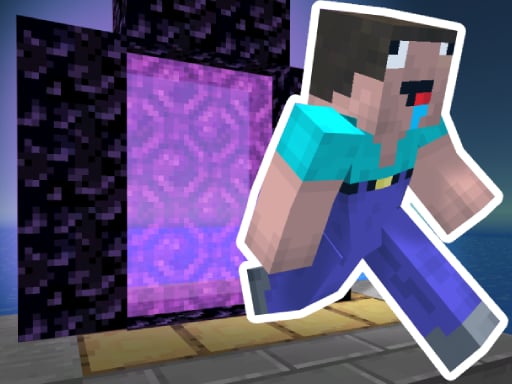

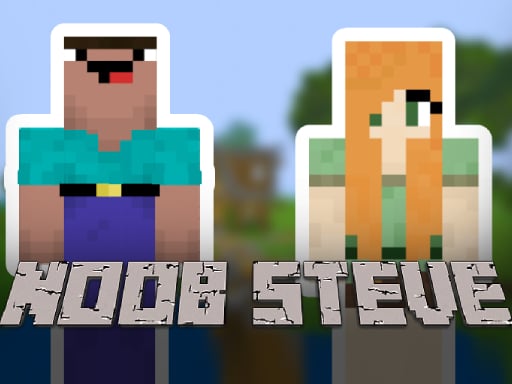
Noob Steve Parkour
Noob Steve Parkour focuses on physics and controls with tight movement and critical jump timing. The main objective is to complete levels swiftly by mastering challenges. i found that double-tapping the forward key enables sprinting.
How To Play Noob Steve Parkour
Use arrow keys or WASD to move, and the space bar to jump.
Controls and Features
Controls are arrow keys or WASD for movement and the space bar for jumping. Sprinting is a key mechanic performed by double-tapping the forward key.
Tips
Quick thinking is better than slow movement. Timing jumps precisely and using the sprint mechanic by double-tapping forward are important for success.
Noob Steve Parkour FAQs.
Q: What are the specific movement controls used in the game? A: You use arrow keys or WASD to move and the space bar to jump.
Q: What is the main goal of the gameplay loop? A: The goal is to complete each level swiftly and master parkour challenges.
Q: What is one stated feature or mechanic? A: Sprinting by double-tapping the forward key is a stated mechanic.
Q: How do you make the character run faster in the game? A: Double-tap the forward key to sprint and move quicker through levels.
About this game
- Supported devices
- Desktop
- Genre
- Arcade Games
- Release date
- 26 September 2024
- Latest update
- 26 September 2024
- Rating
- No ratings yet
Noob Steve Nether
Parkour Craft Noob Steve 2
Noob vs Hacker Zombie

Noob vs Pro Chicken
Noob Parkour 3D
Noob Robo Parkour

Noob Parkour Challenge 3D
Noob vs Hacker
Noob: Zombie Killer
Break a Tower: Obby

Noob vs Pro But Floor is Lava Minecraft
Police Obby Prison Save

Skateboard Obby 2 Player
Noob vs Bacon Jumping
Escape Noob
Farmer Noob Super Hero
Stickman vs Noob Hammer
Noob Huggy
Noob Steve Cave
Roblox: Spiderman Upgrade
Obby: Break Ragdoll Bones 3D
Noob Huggy Winter
Noob Restaurant Simulator
Noob Steve Head War


